A text prompt can produce an interesting image, then give you a result with the wrong mood or a layout that goes nowhere.
Using Reference Images To Enhance Creativity In Kre8or AI gives the tool a clearer visual direction, while leaving room for an original idea. Kre8or lets people generate, remix, edit, share, and export visuals.
This post may contain affiliate links. If you make a purchase through these links, I may earn a small commission at no extra cost to you.
A reference image gives Kre8or AI a clear visual direction without copying the source. Use one sharp image to guide mood, color, or composition, then pair it with a specific prompt describing what must change. Generate several options and remix the strongest result.
Key Takeaways
- References guide mood, color, framing, and character details without copying the source.
- One clear image beats a crowded folder of competing ideas.
- Specific prompts keep outputs original and easier to refine.
- Compare variations first, then remix the strongest result.
Using Reference Images To Enhance Creativity In Kre8or AI
A reference image is a suggestion, not a stencil. It can point Kre8or toward warm light, a spare composition, or a familiar brand feel.
For a wider look at what Kre8or is used for, it helps to see the tool as more than a prompt box.
Choose References That Give the AI Clear Direction
Pick sharp, relevant images with one job. A subject reference shows what belongs in the picture. A style reference suggests materials or illustration treatment. A mood reference handles color, light, or framing.
Use images you made, licensed, or have permission to use.
| Reference Type | What It Controls | Best Used For |
|---|---|---|
| Subject | What belongs in the picture | Characters, products, objects |
| Style | Materials and illustration treatment | Matching a brand or art style |
| Mood | Color, light, and framing | Setting the tone of the scene |
Pair the Image With a Specific Prompt
Describe what the reference does not say: subject, setting, lighting, view, art style, and changes.
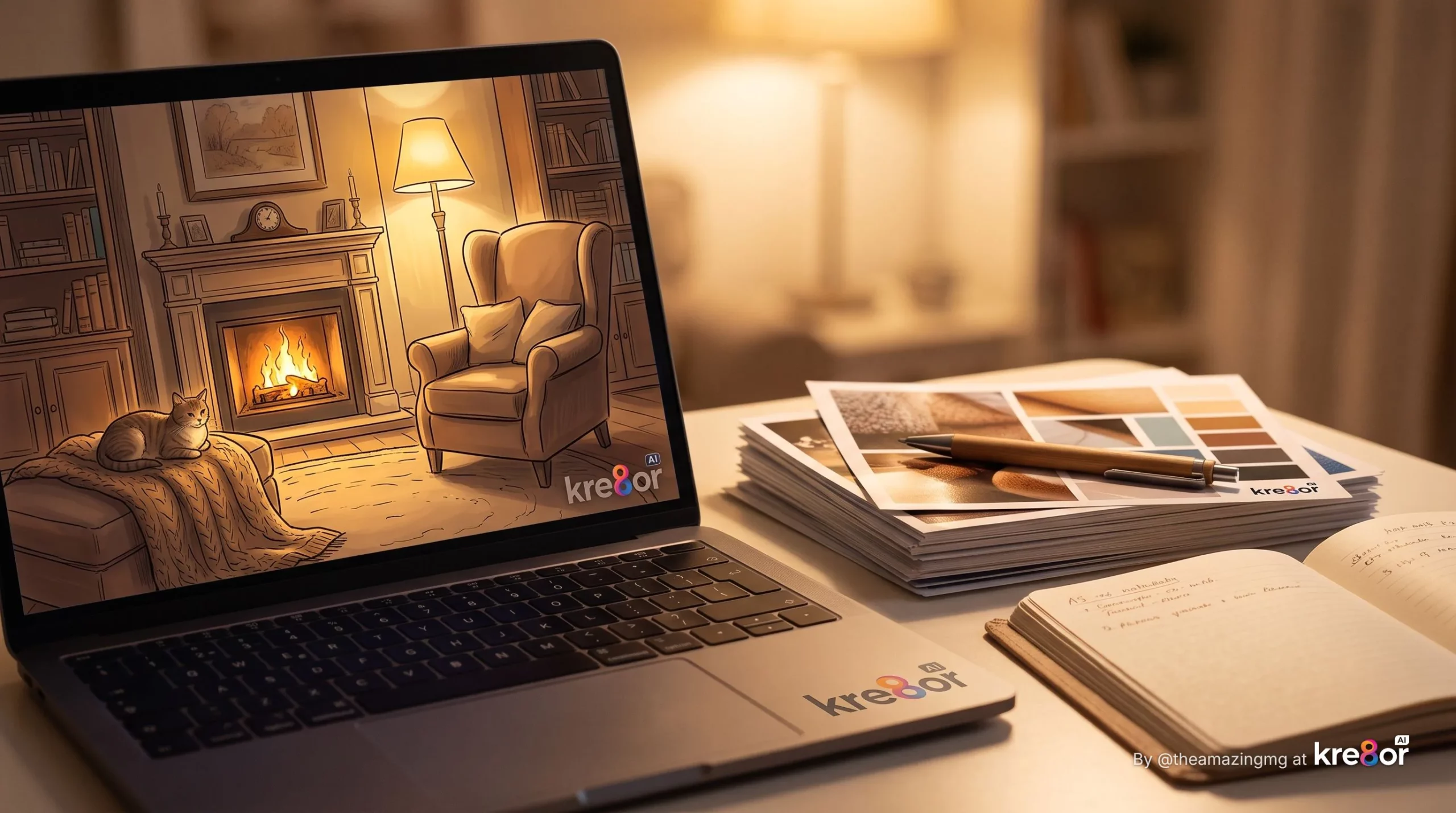
Try: “Cozy home office, warm colors from the reference, different furniture layout, original books and lamp.” Current controls can change, so check the interface before assuming a setting exists.
![Reference Images for More Creative Kre8or AI Work
A text prompt can produce an interesting image, then give you a result with the wrong mood or a layout that goes nowhere.
Using Reference Images to Enhance Creativity In Kre8or AI gives the tool a clearer visual direction, while leaving room for an original idea. Kre8or lets people generate, remix, edit, share, and export visuals.
This post may contain affiliate links. If you make a purchase through these links, I may earn a small commission at no extra cost to you.
Key Takeaways
* References guide mood, color, framing, and character details.
* One clear image beats a crowded folder of competing ideas.
* Specific prompts keep outputs original and easier to refine.
* Compare variations before remixing the strongest result.
Using Reference Images To Enhance Creativity In Kre8or AI
A reference image is a suggestion, not a stencil. It can point Kre8or toward warm light, a spare composition, or a familiar brand feel. Kre8or's launch announcement [https://www.instagram.com/p/DaQqO1xj4MP/] describes its focus on making visual content.
For a wider look at what Kre8or is used for [https://wealthwithmike.com/what-is-kre8or-used-for/], it helps to see the tool as more than a prompt box.
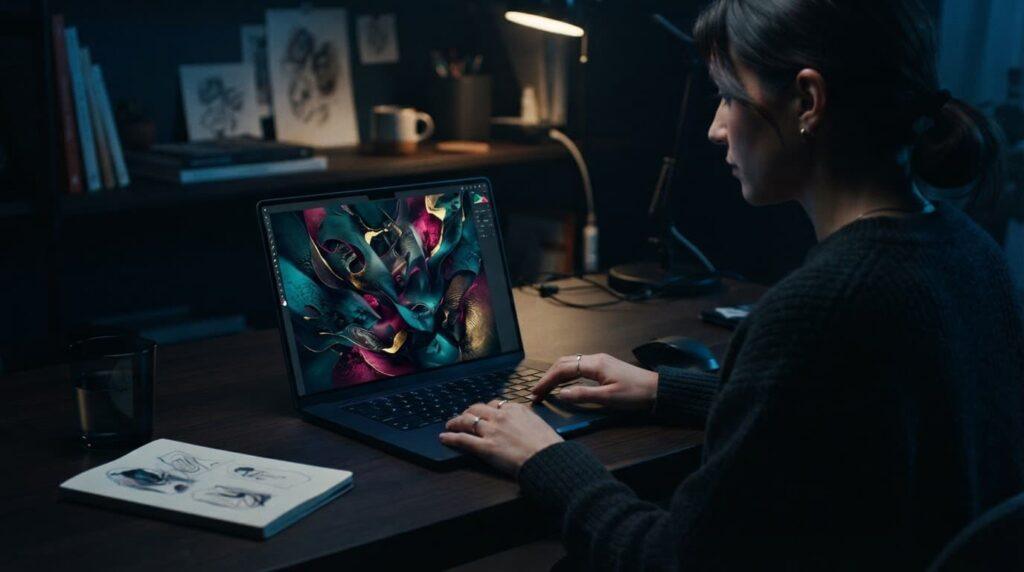
A person with relaxed hands beside one laptop displaying abstract art in blue light. [https://user-images.rightblogger.com/ai/e65be056-bf02-4966-8020-ba9ee037489b/creative-reference-workspace-a80a5a93.jpg]
Choose References That Give the AI Clear Direction
Pick sharp, relevant images for one job. A subject reference shows what belongs in the picture. A style reference suggests materials or illustration treatment. A mood reference handles color, light, or framing.
Use images you made, licensed, or have permission to use.
Pair the Image With a Specific Prompt
Describe what the reference does not say: subject, setting, lighting, view, art style, and changes.
Try: "Cozy home office, warm colors from the reference, different furniture layout, original books and lamp." Current controls can change, so check the interface before assuming a setting exists.
Build Better AI Visuals Through Testing and Remixing
The habit of using reference images to enhance creativity in Kre8or AI gets better with repetition. Begin with one image and a plain prompt. Generate several options, change one detail, then remix the result that holds up.
Avoid the Mistakes That Weaken Results
Don't mix five unrelated references and expect good manners. Avoid vague prompts, exact-copy expectations, and changing every variable at once.
Inspect hands, faces, stray text, and logo-like details before publishing.
Use Reference Images for Consistent Content and Brand Ideas
Using reference images to enhance creativity in Kre8or AI can give blog graphics, Pinterest images, social posts, lead magnets, and product mockups a more consistent look. Each visual still needs to fit the message.
Check current commercial terms and source-image rights before using output in ads or client work.
Frequently Asked Questions
Can a reference image make a result look copied?
No. Ask for original subjects, layouts, and details. Don't publish copies of protected artwork, characters, or photographs.
How many references should I start with?
Start with one. Add a second only when it supports the same palette or mood.
Are Kre8or images ready for commercial content?
Check Kre8or's current terms and the rights for every source image. Affiliate pages, ads, and client work deserve a closer look.
Final Thoughts
Reference images work best as a small nudge in the right direction. Start with one clear image, write down what must change, compare the variations, and remix the one that earns another look.
Your next blog graphic or social post is a sensible place to try it.](https://wealthwithmike.com/wp-content/uploads/2026/08/kre8or-019ff2b3-1024x572.webp)
Build Better AI Visuals Through Testing and Remixing
Good results get better with repetition. Begin with one image and a plain prompt. Generate several options, change one detail, then remix the result that holds up.
Changing one detail at a time is the fastest way to learn what an AI tool responds to. If you rewrite the whole prompt and swap the reference at once, you can’t tell which change improved the result.
Kre8or’s editing, variation, remix, and export tools all support this loop. The top 5 features of Kre8or AI post covers what each one does.
Avoid the Mistakes That Weaken Results
Don’t mix five unrelated references and expect good manners. Avoid vague prompts, exact-copy expectations, and changing every variable at once.
Inspect hands, faces, stray text, and logo-like details before publishing.
Use Reference Images for Consistent Content and Brand Ideas
A steady reference style can give blog graphics, Pinterest images, social posts, lead magnets, and product mockups a more consistent look. Each visual still needs to fit the message.
Check current commercial terms and source-image rights before using output in ads or client work.
Frequently Asked Questions
Can a reference image make a result look copied?
No. Ask for original subjects, layouts, and details. Don’t publish copies of protected artwork, characters, or photographs.
How many references should I start with?
Start with one. Add a second only when it supports the same palette or mood.
Are Kre8or images ready for commercial content?
Check Kre8or’s current terms and the rights for every source image. Affiliate pages, ads, and client work deserve a closer look.
Final Thoughts
Reference images work best as a small nudge in the right direction. Start with one clear image, write down what must change, compare the variations, and remix the one that earns another look.
Your next blog graphic or social post is a sensible place to give this workflow a try with Kre8or.
If you want to try this workflow on your next visual, you can test it free with Kre8or AI. One reference image and a simple prompt is all it takes to start.
Try Kre8or AI FreeNo pressure. The workflow works with any AI image tool you already use.