Text-only posts on X are like whispering in a stadium. You might get heard. Probably not.
I’ve been using Kre8or.ai since the July launch, and the biggest payoff so far hasn’t been fancy art for my blog. It’s been X. A good image stops the thumb. Once the thumb stops, your words get a chance.
This post is the exact workflow I use. No fluff, no “unlock your potential.” Just what to make, what size, and how to do it in about ten minutes a day.
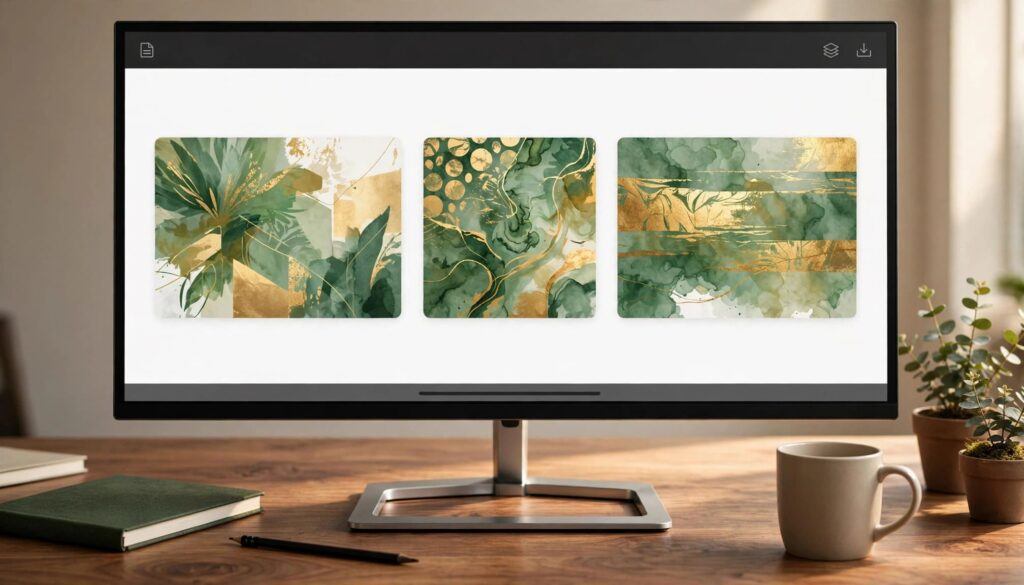
Kre8or.ai is an AI image tool with a built-in creator community. It does not post to X for you. What it does is give you fast, on-brand visuals (16:9, 1600×900 works best) that make your X posts stand out in the feed. Create the image in Kre8or, write a short punchy caption, post it, then remix what works.
Why Images Matter So Much on X
X shows you posts based on how people react to them. Replies, likes, reposts, and how long someone stays on a post all count. An image buys you time. People pause on a picture. They rarely pause on a wall of text from someone they don’t follow yet.
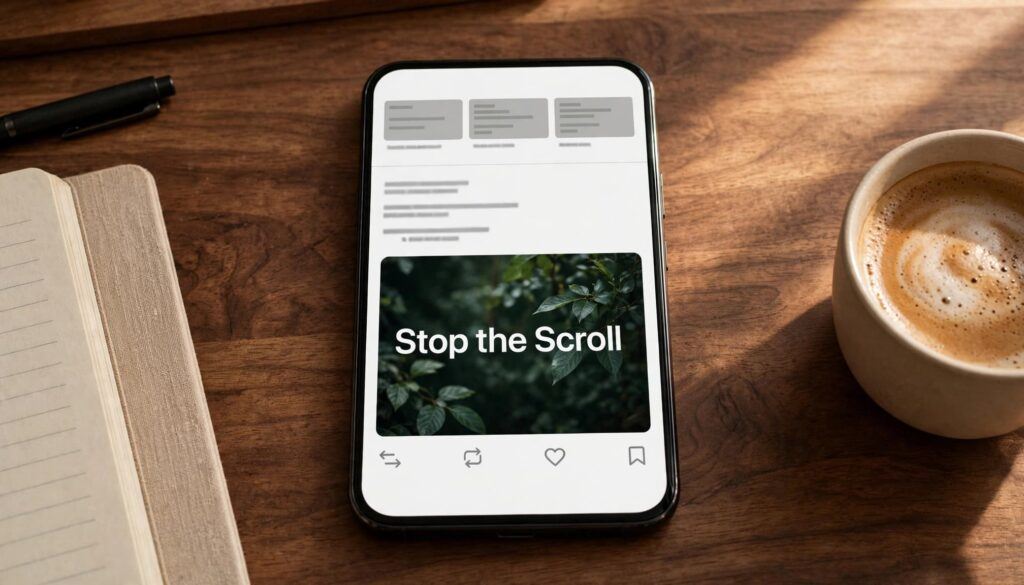
Here’s the thing most people miss. It doesn’t have to be a beautiful image. It has to be a clear one. One idea, big and obvious, readable on a phone at arm’s length. Kre8or is good at that because you’re describing what you want in plain words, not fighting with design software.
What Kre8or.ai Actually Does (and Doesn’t)
Let’s set expectations, because I’ve seen people expect Canva, Buffer, and ChatGPT rolled into one.
Kre8or does:
- Turn a text prompt into an image in seconds
- Let you remix your own images or ones from the community gallery
- Keep a character consistent across images with the Cast feature
- Walk you through prompts with guided Workshops if you’re new
- Give you commercial rights on paid plans
Kre8or does not:
- Schedule or publish to X
- Write your captions or threads
- Edit video
So the workflow is: make the image in Kre8or, write the words yourself, post it natively on X. That’s it. Simple beats clever here.
Did You Know
Kre8or.ai launched on July 1, 2026 as an invite-only platform, opening first to the Wealthy Affiliate community. The free plan starts you with 750 credits, which is plenty to test a full week of X posts before spending a dime.
The Right Image Sizes for X
Use the right size before you post. It helps your image display cleanly and keeps X from cropping the important part.
| Use | Ratio | Recommended Size | Notes |
|---|---|---|---|
| Single image post | 16:9 | 1600 × 900 | The safest choice. It usually shows in full in the feed. |
| Square post | 1:1 | 1080 × 1080 | Also displays cleanly. A good option for quotes and simple tips. |
| Multi-image post, 2 to 4 images | 16:9 or 1:1 | Match all images | X tiles these images together. Mixed ratios can cause awkward crops. |
| Header or banner | 3:1 | 1500 × 500 | Use Kre8or.ai to create a consistent banner that matches your visual style. |
Quick tip: Keep your main subject near the center of the image, especially for X headers and multi-image posts. The outer edges are the first place cropping can cause trouble.
Keep files under 5 MB. Put your main subject in the center. Leave the edges empty.
In Kre8or, pick the 16:9 aspect ratio before you generate. If your plan or the model gives you a different size, generate slightly larger and crop. Don’t stretch.
My 10-Minute Daily X Workflow
This is what I actually do. Coffee in hand, usually before the day gets loud.
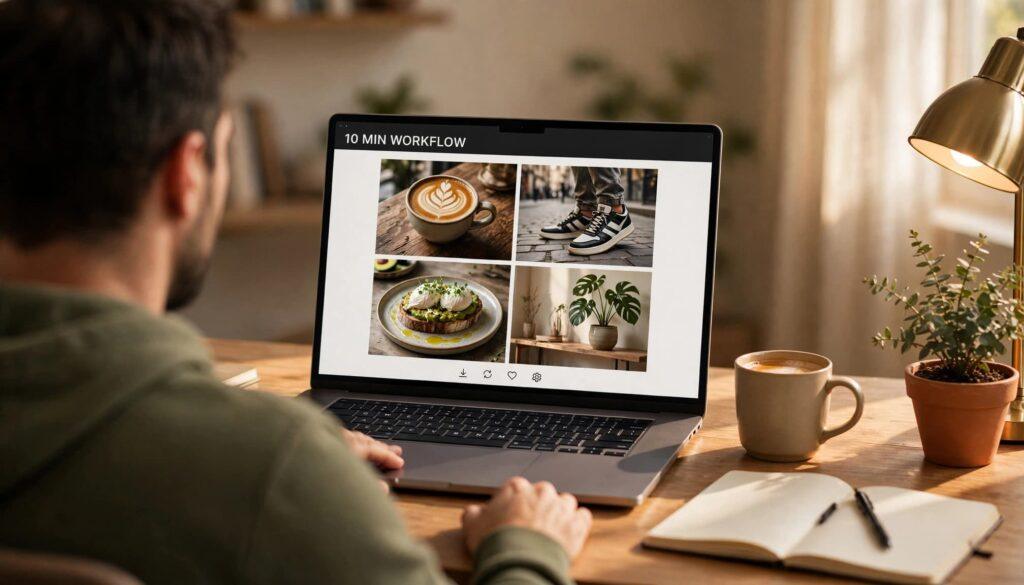
1. Pick one idea (2 minutes). One point per post. “Affiliate marketing takes longer than the gurus say” is a post. “Here’s everything about affiliate marketing” is a blog, not a post.
2. Write the caption first (2 minutes). Hook in the first line. Under 200 characters if you can. The image supports the words, not the other way around.
3. Generate the image in Kre8or (4 minutes). Prompt like you’re talking to a person. Example:
A cozy home office desk with a laptop showing a rising green graph, morning light through a window, warm and calm, photorealistic, wide shot, no text
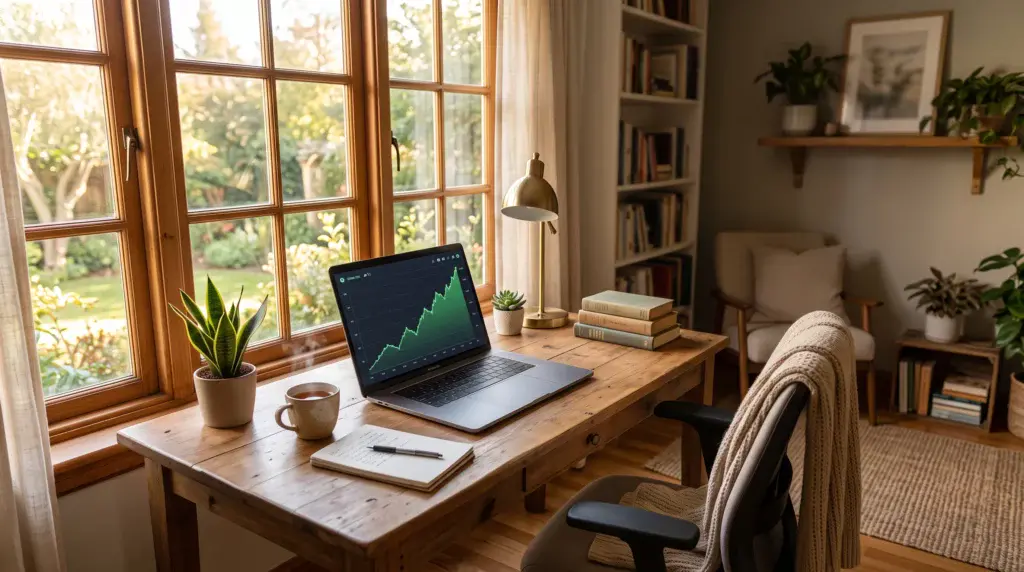
Add “no text” every time. AI text in images is a mess, and X will show your caption anyway.
Make three versions. Pick the clearest one, not the prettiest.
4. Post natively on X (1 minute). Upload the image directly. Don’t link out to it. X likes content that stays on X.
5. Remix winners (1 minute, later). When a post does well, go back to Kre8or and remix that image with a new twist. Same vibe, new angle. You just built a visual brand without hiring anyone.
Consistency beats quality on X. One clear image and one clear idea every day will outperform one masterpiece a month. Kre8or makes the daily version possible without burning out.
Use Cast to Build a Character People Recognize
This is the feature I didn’t think I needed. I was wrong.
Cast lets you lock in a character’s look, then reuse that character across images. For X, that means a mascot, an avatar version of you, or a recurring “guide” that shows up in your posts. People start to recognize it in the feed before they read your name.
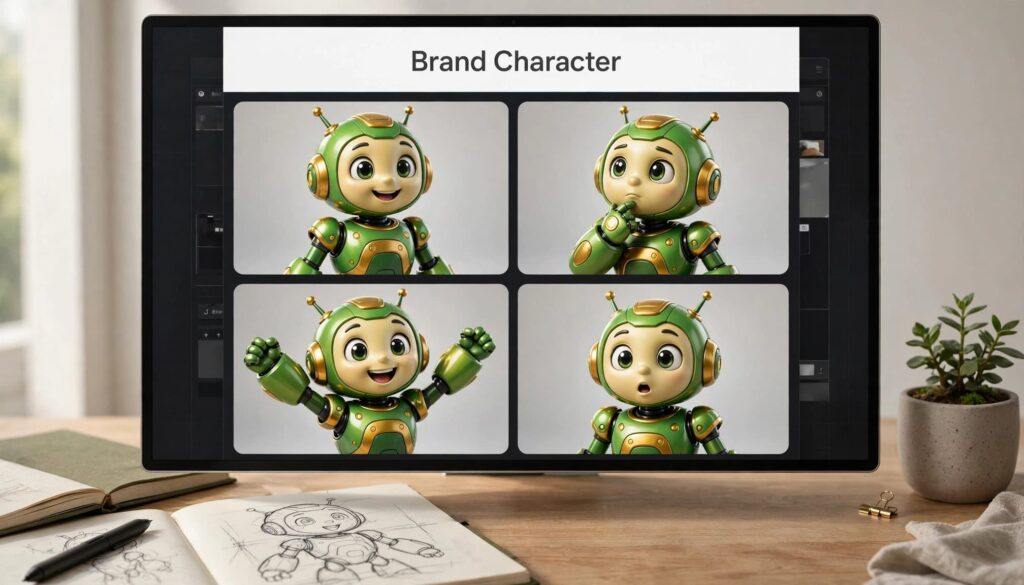
Ideas that work:
- A cartoon version of yourself reacting to common newbie mistakes
- A “before and after” character (overwhelmed on Monday, calm on Friday)
- A mascot that holds up your weekly tip
Keep the character simple. Simple characters render more reliably and read better at thumbnail size.
Which Kre8or Plan Makes Sense for X?
You don’t need the big plan to post daily. Here’s how the tiers shake out for X use.
| Plan | Price | Credits / Month | Good For |
|---|---|---|---|
| Free | $0 | 750 starting credits | Testing the workflow for a week or two |
| Spark | $9/mo | 2,000 | Posting 3 to 5 times a week with a few versions each |
| CreatorKey Point | $29/mo | 7,000 | Daily X posting plus blog images, with commercial rights |
| Visionary | $99/mo | 27,500 | Multiple accounts, clients, or heavy volume |
My take: start free. If you’re still posting after two weeks, Spark or Creator pays for itself in time saved. Paid plans include commercial rights, which matters the moment you attach an affiliate link or promote anything.
Prices are current as of this writing. Check the site for the latest.
Mistakes That Kill X Posts (Even With Great Images)
- Text baked into the image. It’s blurry, often misspelled, and X already shows your caption.
- Busy scenes. Five people, three laptops, a dog. Nobody knows where to look. One subject.
- Mismatched image ratios in a multi-image post. X crops them into a mess.
- Posting a link to the image instead of uploading it. Upload natively. Always.
- Beautiful image, boring first line. The image gets the pause. The first line gets the click.
Try It Yourself
If you want to test this workflow, you can join Kre8or.ai through my invite link here: Join Kre8or.ai. It’s an affiliate link, so I earn a small commission if you go paid. It costs you nothing extra, and it keeps the coffee flowing around here.
Start free. Make three images. Post one. That’s the whole first step.
Frequently Asked Questions
Does Kre8or.ai post directly to X?
No. Kre8or.ai creates images. You download the image and upload it to X yourself, or through a scheduler you already use.
What image size should I use for X posts?
16:9 at 1600 x 900 pixels is the safest single-image size. Square 1080 x 1080 also displays cleanly. Keep files under 5 MB.
Can I use Kre8or.ai images commercially on X?
Paid plans (Spark, Creator, Visionary) include commercial rights. If you’re promoting products or affiliate links, use a paid plan.
Is the free plan enough to get started?
Yes. The free plan starts with 750 credits, which is enough to test a week or two of daily X posts before deciding on a paid tier.
What is the Cast feature in Kre8or.ai?
Cast lets you keep a character’s appearance consistent across many images. On X, it’s a simple way to build a recognizable mascot or avatar.
Ready to Make Your X Posts Stand Out?
Kre8or.ai gives you a simple way to turn your ideas into original visuals for X, your blog, and the content you share every day. Start with your first image, test what fits your style, and build from there.
Try Kre8or.aiThis is an affiliate link. If you choose a paid plan, I may earn a commission at no extra cost to you.