I remember the first time I generated an AI image that actually looked good. I was thrilled. It was sharp, detailed, and honestly better than anything I could have made myself.
So I did what anyone would do. I typed nearly the same prompt again to make a second image to go with it.
Completely different person. Different face, different hair, different lighting. Like it was made by a different tool on a different day.
That was my first run-in with the consistency problem. And if you have used AI image generators for more than five minutes, you have probably hit the same wall. If you are brand new to all of this and wondering what content creation AI even is, that link will catch you up fast.
So when someone asks me “are AI images getting better?”, my answer is yes. But not in the way most people think. The quality of a single image was never really the issue. The issue was getting images that look like they belong together.
That is finally changing. And I want to share what I have learned, because it took me way too long to figure this out on my own.
Are AI images getting better? Yes. The biggest improvement is not resolution or speed but consistency. With reference-image conditioning, AI models can now retain 85% to 95% of a character’s features across multiple images. Tools like Kre8or AI make this workflow simple enough for beginners to use without any technical background.
The real breakthrough in AI image generation is not better single images. It is the ability to create images that look like they belong together. Consistency is now achievable if you use a tool with reference-image support, controlled workflows, and lineage tracking rather than just typing prompts and hoping.
The Frustration Was Real
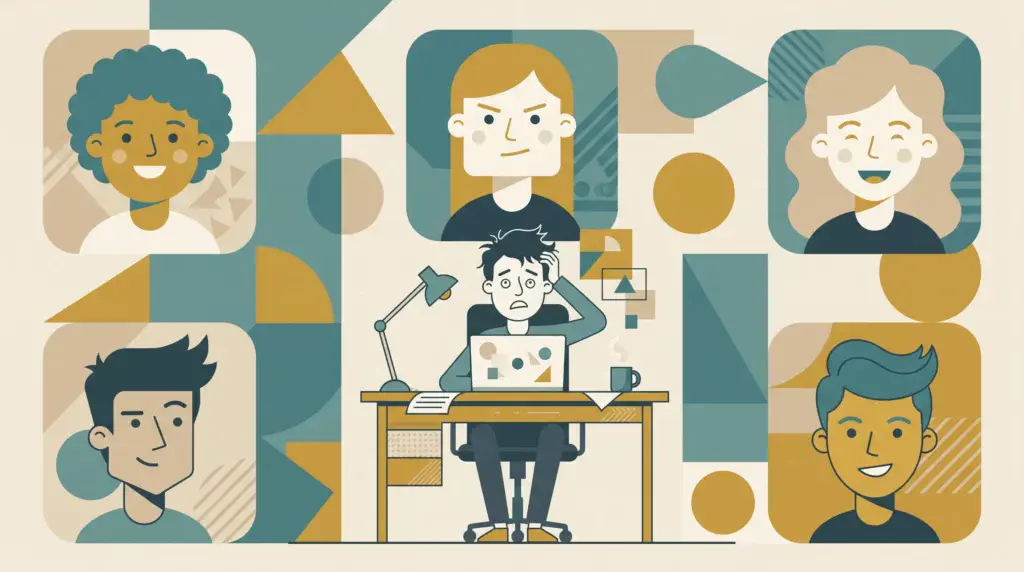
Here is what used to happen to me over and over.
I would be building a niche website and needed a set of images. Maybe a character for my blog posts, or a consistent visual style for my product images. I would spend time crafting the perfect prompt, get one great result, and then spend the next hour trying to recreate that same look.
It never worked. The face would shift. The colors would drift. Small details like a logo on a shirt or a piece of jewelry would just vanish. And after about six or seven generations, my original character was completely unrecognizable.
The worst part was that I could not figure out what I was doing wrong. Turns out, nothing. That is just how these models worked. Every generation starts from scratch. The model does not remember what it made for you last time. It takes your text and builds something new from noise.
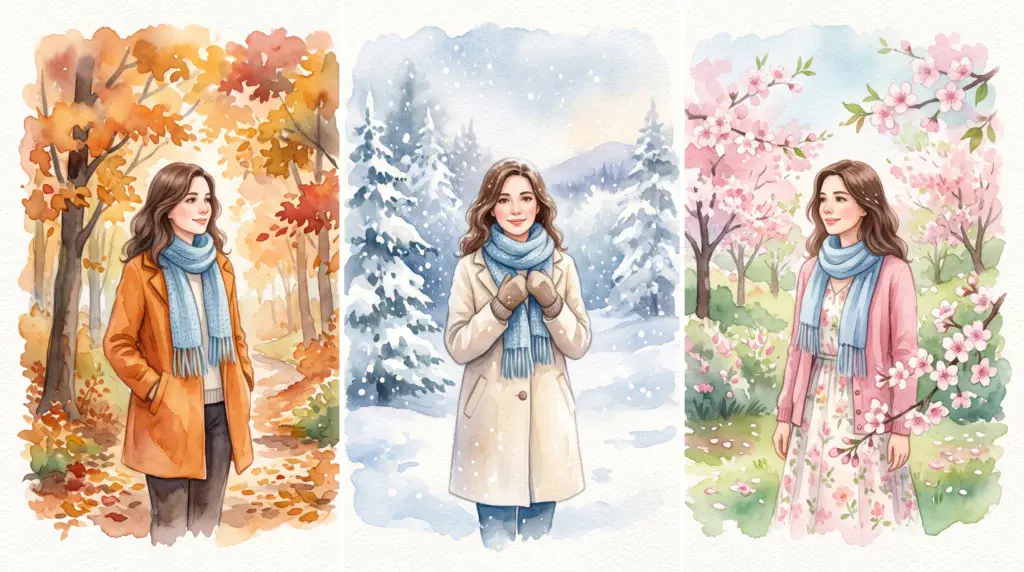
So “a woman with brown hair and green eyes” produces a different woman every single time. Not because your prompt is bad, but because the model has nothing to anchor to.
What Actually Changed in 2026
Here is where things got interesting.
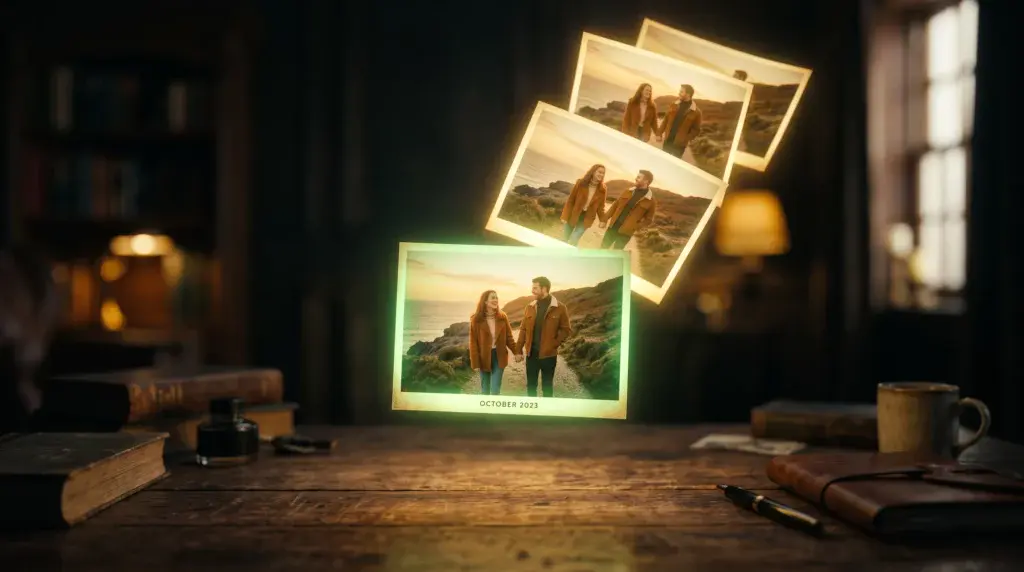
The biggest improvement in AI image generation this year is not resolution. It is not speed. It is something called reference-image conditioning. And it is exactly what it sounds like.
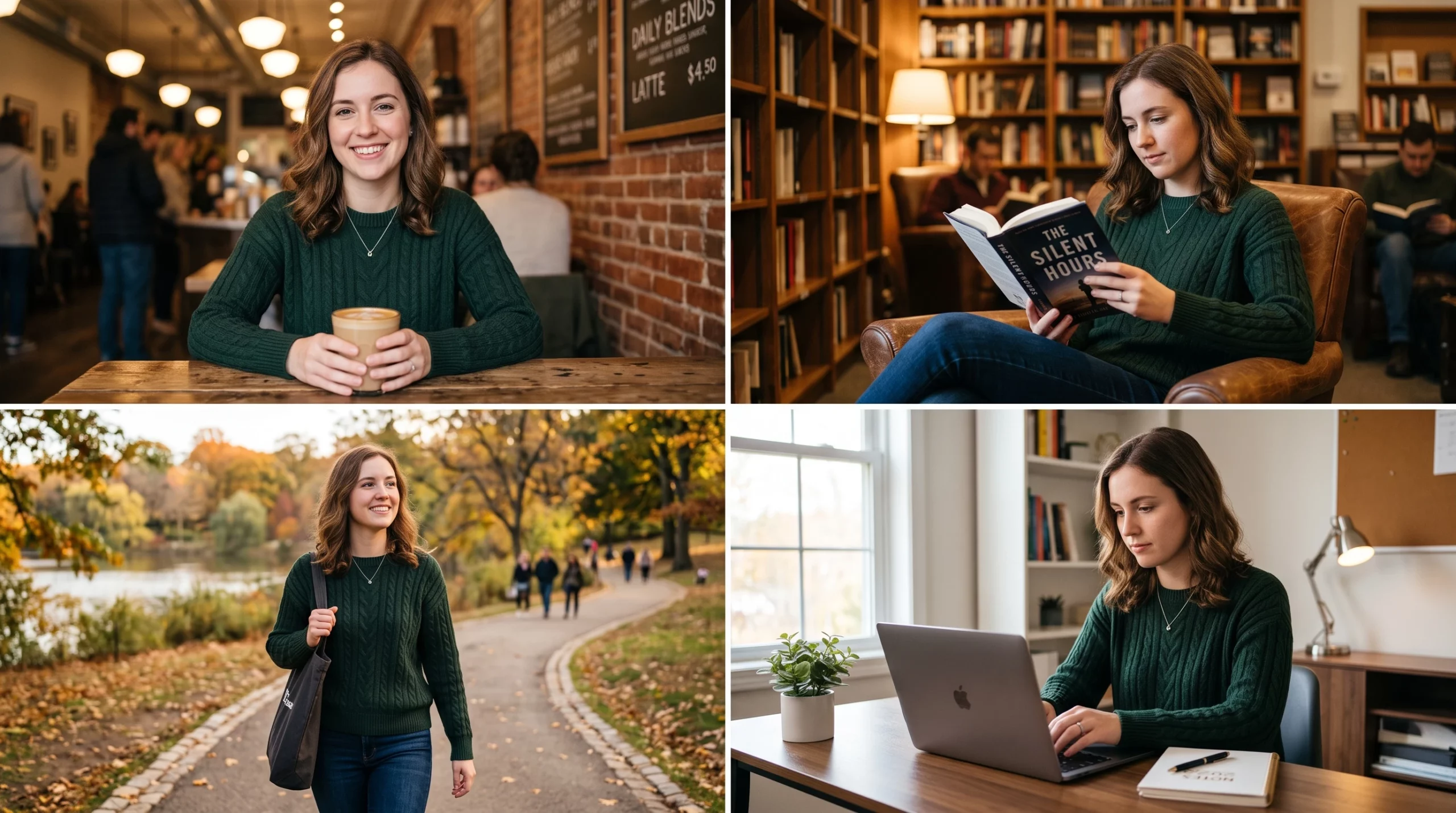
Instead of starting from a text description alone, the model can now look at an image you provide and use it as a visual starting point. So instead of guessing what your character looks like, it has something real to reference.
Research from late 2025 showed that with reference-based workflows, models can now retain 85% to 95% of a character’s features across multiple images. That is a huge jump. We went from “hope it works” to “it mostly works, if you use the right approach.”
Different tools handle this differently. Midjourney has character reference commands that let you control how closely the model sticks to your original. Flux uses a reference-first workflow. DALL-E is still the weakest here and tends to drift after a handful of generations.
But the pattern is the same across all of them. Consistency is now possible. It just depends on using the right workflow, not typing a better prompt. And if you have ever wondered whether AI content tools are really as good as people claim, I wrote about some of the common myths about AI content creation that might clear things up.
AI image generators do not store characters as fixed identities. Every single generation starts from scratch using noise and text guidance. That is why the same prompt produces a different face every time, even with the exact same words. Reference-image conditioning is what finally changed this by giving the model something to look at instead of just something to read.
Let’s Be Honest About What Still Breaks
I do not want to oversell this. AI image consistency is better, not perfect.
If you switch styles mid-project, say from a dark cinematic look to something bright and commercial, your character can still drift even with a reference. Small details like freckles and logos are still unreliable. And if you keep editing an edit of an edit, the quality drops with each step.
Scene changes are tricky too. Change the camera angle or lighting too much and the face can shift on you.
So the models got better, yes. But the real fix is having a workflow that keeps you anchored to your original image and lets you make small, controlled changes instead of starting over every time.
| Tool | Reference Image Support | Consistency | Drift Risk | Best For |
|---|---|---|---|---|
| Kre8or AI | Yes, built into Studio and Workshops | High | Low | Beginners building niche sites |
| Midjourney | Yes, via –cref and –cw commands | High | Low to Medium | Experienced prompt users |
| Flux | Yes, reference-first workflow | Medium to High | Medium | Technical users |
| DALL-E | Limited, relies on text descriptions | Low | High | Quick one-off images |
Why I Started Using Kre8or AI
This is the part where I tell you about the tool that actually made this work for me.
I tried a lot of image generators over the past couple of years. If you want a broader look at what is out there, I put together a rundown of AI content generation tools that covers the main options. Most of them give you a text box and that is it. You type, you generate, you hope. If it does not work, you guess again and burn credits.
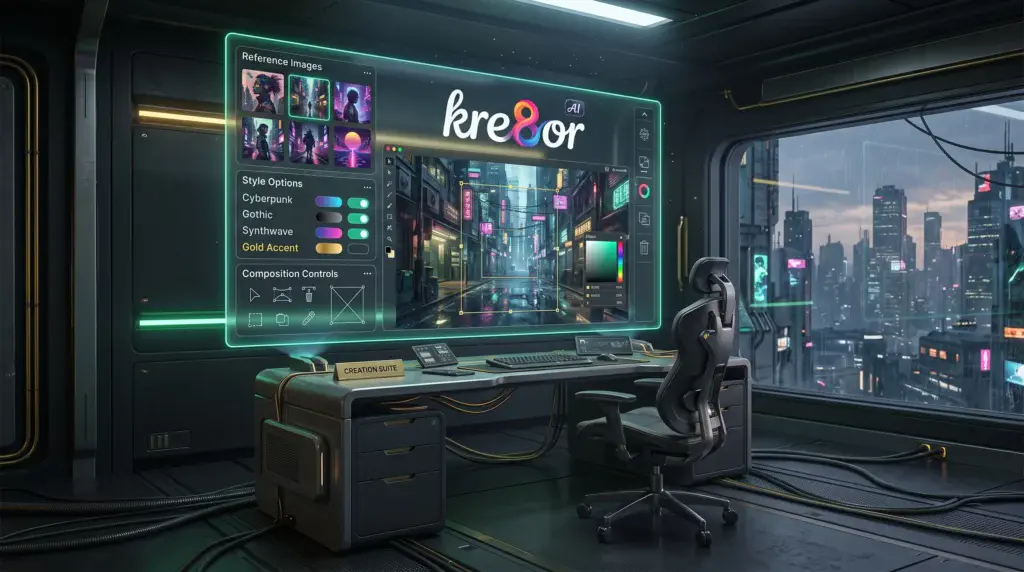
Kre8or AI is different. It is built around a studio workflow, which means you actually have controls. You pick from over 25 styles (things like Hyperrealism, Cinematic, Watercolor, Vector Flat Design). You set your composition direction. You choose your output quality, including 4K. And once you find a combination that works, you can reuse those exact settings for your next image.
That alone solved half my consistency problem. Same style, same settings, same look.
But the thing that really won me over was the reference image support. I can upload my best image and use it as an anchor for the next one. Instead of the model guessing, it has something to work from. For someone building a niche site with a consistent visual identity, this is the feature that matters most.
The Workflow I Actually Use
Here is what my process looks like now. It is not complicated, and that is the point.
First, I create one image I am happy with in the Studio. I pick my style, write a clear prompt, and generate until something clicks. That becomes my master image.
Then I save those settings. The style, the prompt structure, the composition. Those are my foundation.
When I need a new image in the same style, I use my master image as a reference and change only the scene or action. Everything else stays the same. The reference keeps the look locked in.
If something drifts, I use Kre8or’s Workshops to fix just the problem area instead of regenerating the whole thing. That is huge because it means I am not starting over every time a small detail goes wrong.
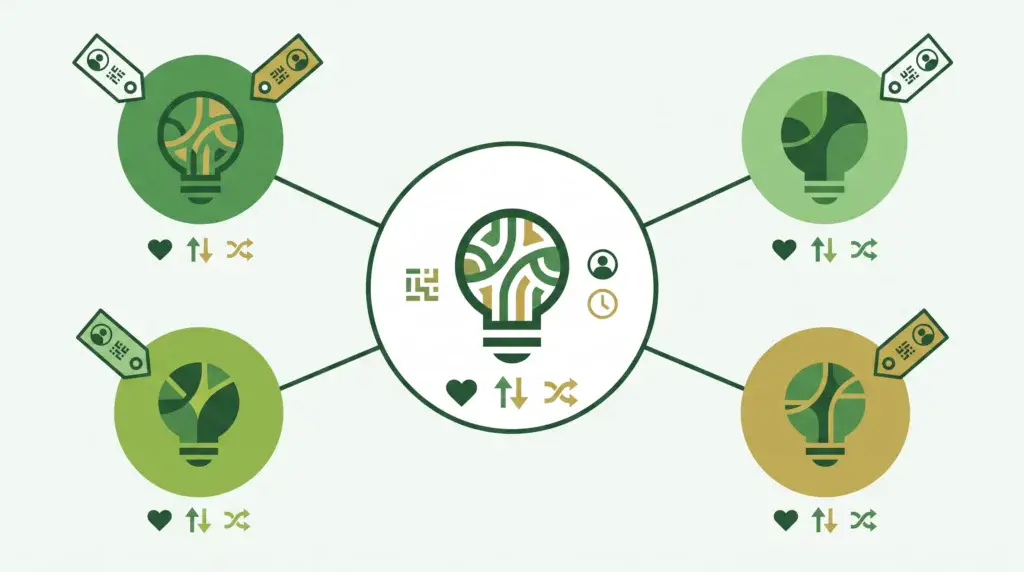
And the lineage tracking feature lets me see the full history of my image. If a remix goes too far off track, I can go back to the version that worked and try a different direction. It is like having version control for your images, which sounds technical but is honestly just a visual timeline you can follow.
Using AI Images on Your Site
One thing I want to mention before we wrap up. If you are planning to use AI images on your website (and you should be, because good visuals matter), you might be wondering about the legal side of things. I wrote a full post on AI-generated content copyright that breaks down what you need to know. The short version is that Kre8or offers commercial usage rights on paid tiers, so you can use your images on your site and in your marketing without worrying about it.
The Part That Surprised Me
I did not expect to care about the community side of Kre8or, but it actually helps with consistency too.
There is a public gallery where you can see what other creators are making. You can remix images, and the system tracks who created what and automatically gives credit. There are challenges and voting.
For me, the practical value is that I can see how other people handle consistency problems. What styles they use, how they structure their references, what workflows they follow. It is like having a folder of examples to learn from instead of figuring everything out alone.
So, Are AI Images Getting Better?
Yes. A single image has never looked better. But more importantly, you can now create images that look like they belong together. Same character, same style, same brand. Without a degree in machine learning.
The models improved. The reference-image techniques work. And Kre8or wraps all of that into something a beginner can actually use without feeling overwhelmed.
If you have been frustrated by AI images that look great one at a time but fall apart as a set, this is the tool and workflow I would recommend. No prompt engineering degree required. Just a simple process that works.
You can check out Kre8or AI here and see for yourself.
Disclosure: Some of the links in this post are affiliate links. That means if you click and make a purchase, I may earn a commission at no extra cost to you. I only recommend tools I actually use and believe in. Thanks for supporting Wealth With Mike!