- Website Building Tools in 2026: What You Actually Need (and What You Can Skip)
- What “Website Building Tools” Really Include (So You Do Not Miss the Important Parts)
- Fast, Beginner-Friendly Website Builders in 2026 (Wix, Squarespace, Hostinger, GoDaddy)
- Why Wealthy Affiliate Is the Best “All-in-One” Option When You Want Traffic and Income, Not Just a Website
- In Summary
Website Building Tools in 2026: What You Actually Need (and What You Can Skip)
Most small business owners want website building tools to create a professional website. The problem is the list feels endless, and it’s not obvious what’s “required” versus what’s just noise.
When I say website building tools, I mean the full set that helps you get online and keep moving: a website builder (or WordPress), hosting, and a domain, design and content helpers, plus training and support. Modern options like a no-code platform and an AI website builder make it easier for beginners. By the end, you’ll know which path fits you: a quick brochure-style site with a simple website builder, or a long-term site built for traffic and income. Some tools build pages. Others build skills. For beginners, that difference matters.
What “Website Building Tools” Really Include (So You Do Not Miss the Important Parts)
A website is like a small shop for small business owners. The front door is only part of it. Here are the pieces people forget:
- A website builder or CMS: Wix, Squarespace, or WordPress are the common picks.
- Web hosting, a custom domain name, and an SSL certificate: where your site lives securely and what it’s called.
- Design and content helpers: templates with responsive layouts, stock images, and AI writing aids.
- Learning and support: tutorials, community help, site fixes, and real feedback.
If you’re not a tech person (I get it), you can buy a website builder and still get stuck on the steps around it, connecting a custom domain name, setting up SEO tools, and writing content that people actually find.
Quick Builders vs WordPress Tools: The Big Difference for Beginners
Quick builders with a drag-and-drop editor are guided. You pick a template, edit the text, and hit publish. Fast.
WordPress, a powerful content management system, is more flexible, but it asks more from you upfront. You’ll think about themes, plugins, and how your site grows over months. If you want a one-page site this weekend, a quick builder is fine. If you plan to publish steady content and build income, WordPress usually makes more sense, even if it feels a bit “more” at first.
Fast, Beginner-Friendly Website Builders in 2026 (Wix, Squarespace, Hostinger, GoDaddy)
These website-building software platforms are popular because their user-friendly interface reduces setup pain. Most also include AI tools that help you get a first draft online, with many offering a free website builder trial to test the waters.
Still, a quick truth: they can build a site, but they don’t automatically teach you traffic, content strategy, or how to earn from it.
Wix and Squarespace, Best for Polished Sites Without a Learning Curve
Wix is a flexible, feature-packed website builder with an AI website builder, lots of customizable templates, and mobile responsiveness, making it perfect for an online store with strong ecommerce capabilities. Pricing typically starts at $17 per month on annual plans, and it includes a free website builder option to get started.
Squarespace is known for clean, professional design, Blueprint AI to speed up layout decisions, customizable templates, and mobile responsiveness, making it ideal for an online store packed with e-commerce capabilities. Pricing often starts at $16 per month on annual plans, including web hosting and unlimited storage.
One warning: too many design options and customizable templates can slow you down if you overthink the design elements.
Hostinger and GoDaddy: Best When Speed or Price Matters More Than Customization
Hostinger Website Builder is often one of the lowest-cost options in website builder software, starting around $11.99 per month on annual plans, and it offers AI website builder features alongside a free website builder trial for quick setups that support digital downloads.
GoDaddy Website Builder starts at $9.99 per month and is built for quick steps, especially for service businesses that want scheduling in this user-friendly interface.
If you want heavy customization later, you may feel boxed in.
Why Wealthy Affiliate Is the Best “All-in-One” Option When You Want Traffic and Income, Not Just a Website
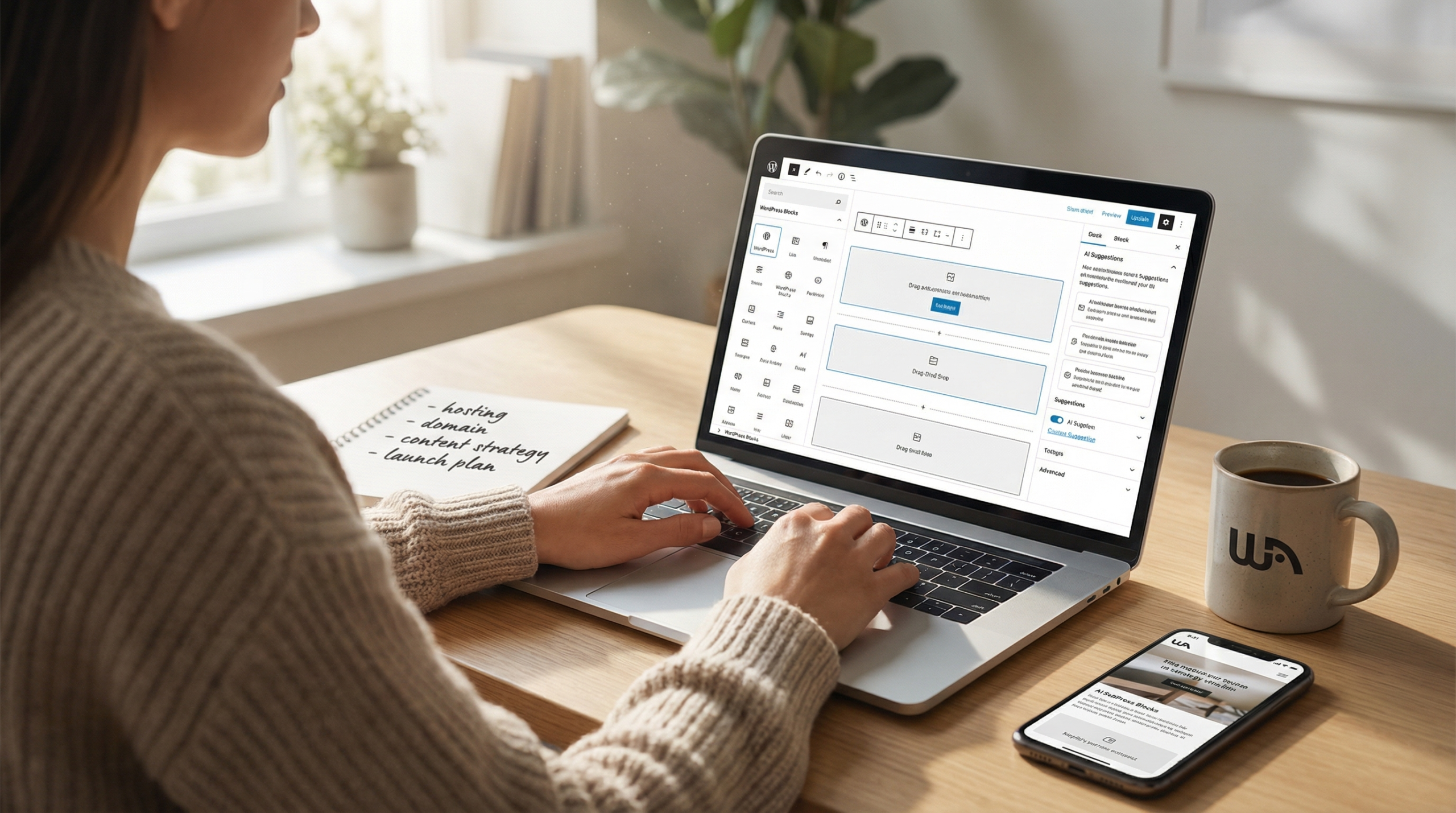
If your goal is bigger than “a site exists,” Wealthy Affiliate hits differently. It’s a WordPress-based blogging platform and website builder with advanced design features, plus tools, training, and people to ask when you freeze. You’re aiming for traffic that improves search engine rankings and real income, not just a basic site.
You’re not just getting a place to publish. You’re getting an environment loaded with marketing tools and SEO tools that support the whole process: planning, writing, SEO, and steady improvement. Their AI Suite offers drag-and-drop ease for content planning and early drafts with built-in SEO. More importantly, the training stays current as search changes, so you’re not stuck watching outdated advice.
And the customer support is real-world practical: SiteSupport, live chat, and community discussions. When tech gets hard, having customer support in your corner matters.
The Hidden Tool Most Beginners Need: Support, Feedback, and Training That Evolves
Tools alone don’t fix confusion. Customer support does.
Wealthy Affiliate’s classes are organized by skill area (SEO tools, WordPress with drag-and-drop options, AI, copywriting, marketing tools, YouTube, and more), with lots of replays and regular live sessions, including weekly classes for Premium members. The community is pay-it-forward, so asking questions and helping others tends to speed up your learning.
In Summary
Here’s the simple decision rule for small business owners. Choose Wix or Squarespace as your website builder for a fast, professional, good-looking website, with drag-and-drop simplicity and customizable templates. Opt for Hostinger or GoDaddy website builders if budget or speed is key, especially for launching an online store with robust e-commerce capabilities. Select Wealthy Affiliate if you’re after long-term skills, traffic, income, and marketing tools, powered by WordPress, the AI Suite, ongoing training, and community support. Whether building a professional website or online store, pick a drag-and-drop website builder and dive in with website-building tools this week, because momentum beats perfect every time.
Start Your Free Trial Today
Build your first site. Use your free $10 in AI credits. See results this week.
Join Wealthy Affiliate Free Trial